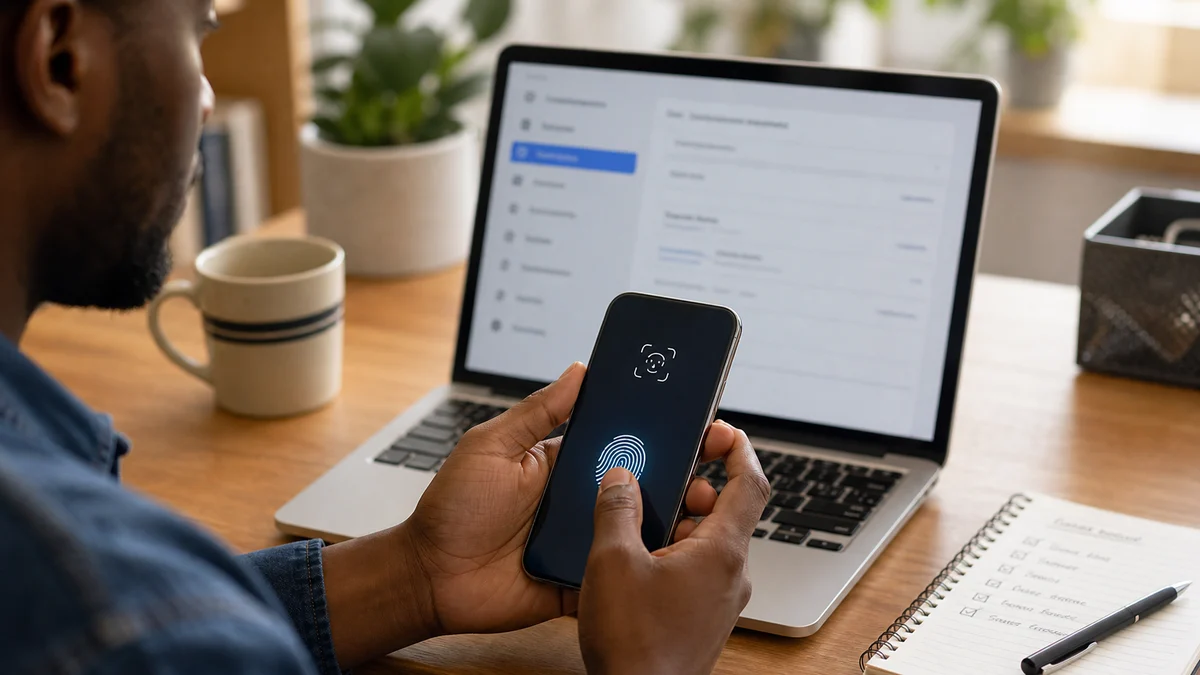
Passkeys make login easier and make phishing harder. Instead of typing a password that an attacker can steal, a user relies on a device and a biometric check or PIN. But the security story does not end at the login screen. Account recovery rules still matter.
If the recovery process is weak, an attacker can bypass the passkey. An email reset, an old phone number, a support chat or a badly stored backup code can become the back door. A strong front door has limited value if the back door is open.
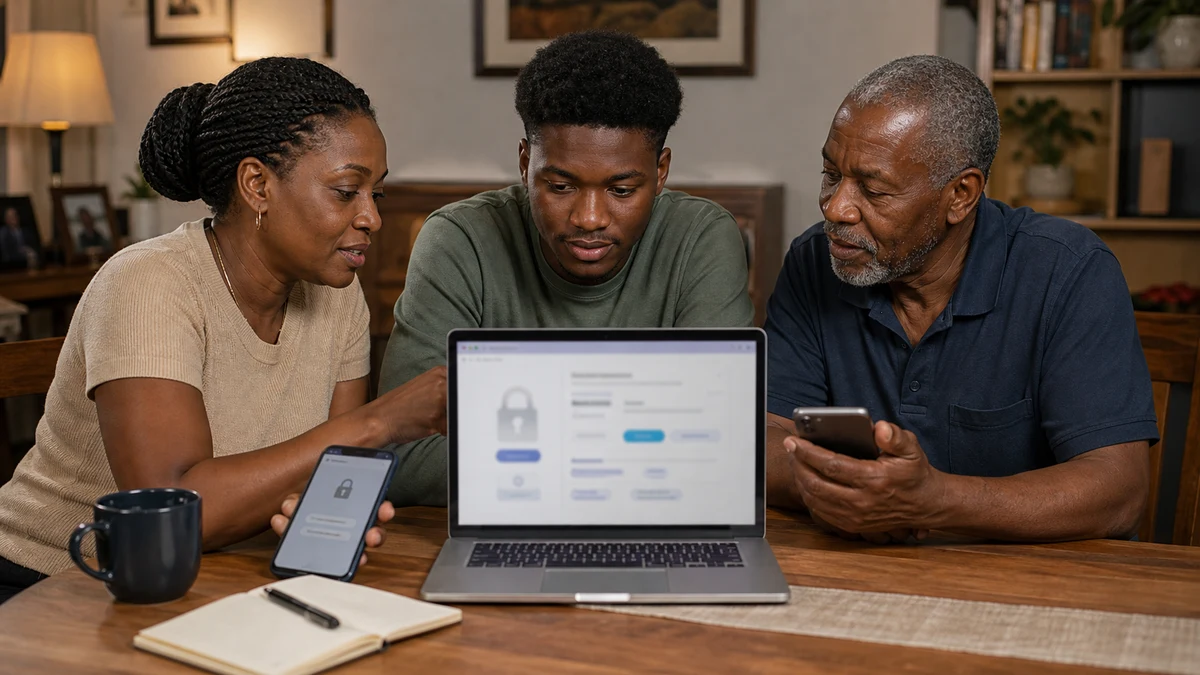
Users need a simple checklist. Store recovery codes in a secure place, update the phone number, remove old devices and make sure the main email account is also protected. If an account holds money or business data, recovery planning is part of security.
Companies need clear design too. Recovery should be possible, but not too easy for attackers. Suspicious device changes, location jumps and rushed support requests need checks. Users should understand what happens before they lose a phone, not after panic starts.
Small businesses face extra risk. One compromised account can expose invoices, customer messages, tax documents or social pages. Passkeys can help, but staff need training on device loss, shared accounts and who approves recovery.
Passwordless security is progress, but it is not magic. Passkeys reduce one major risk, while recovery policy decides whether the protection holds. The safest account is not only hard to enter; it is also hard to steal back through a careless reset.
A practical family rule can help too. When someone changes a phone or sells an old device, they should review which accounts still trust that device. Remove access, update recovery options and check important apps. The device lifecycle is a security issue, not only a gadget upgrade.
The habit should be reviewed after travel, phone repair or staff changes. Those moments often leave old access behind, and old access is where avoidable account loss begins.