Passkeys can make online accounts safer because the user is not typing a password that a thief can request on a fake page. But safer login still needs a recovery plan. If a phone is lost, a device breaks or a family member dies, account access can become difficult when no backup exists.
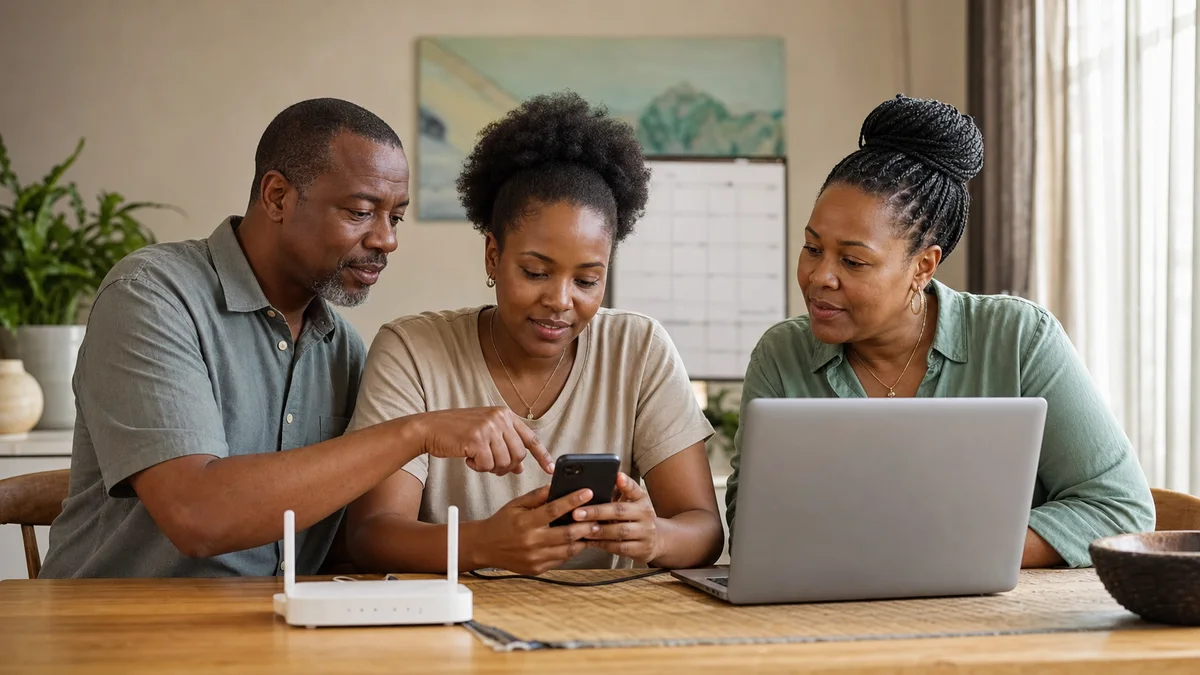
Many households now share a digital life: email for bills, mobile money alerts, school portals, bank apps, cloud photos and business pages. If only one person understands the login method, an emergency can become painful. Security should not mean a locked door the family itself cannot open.
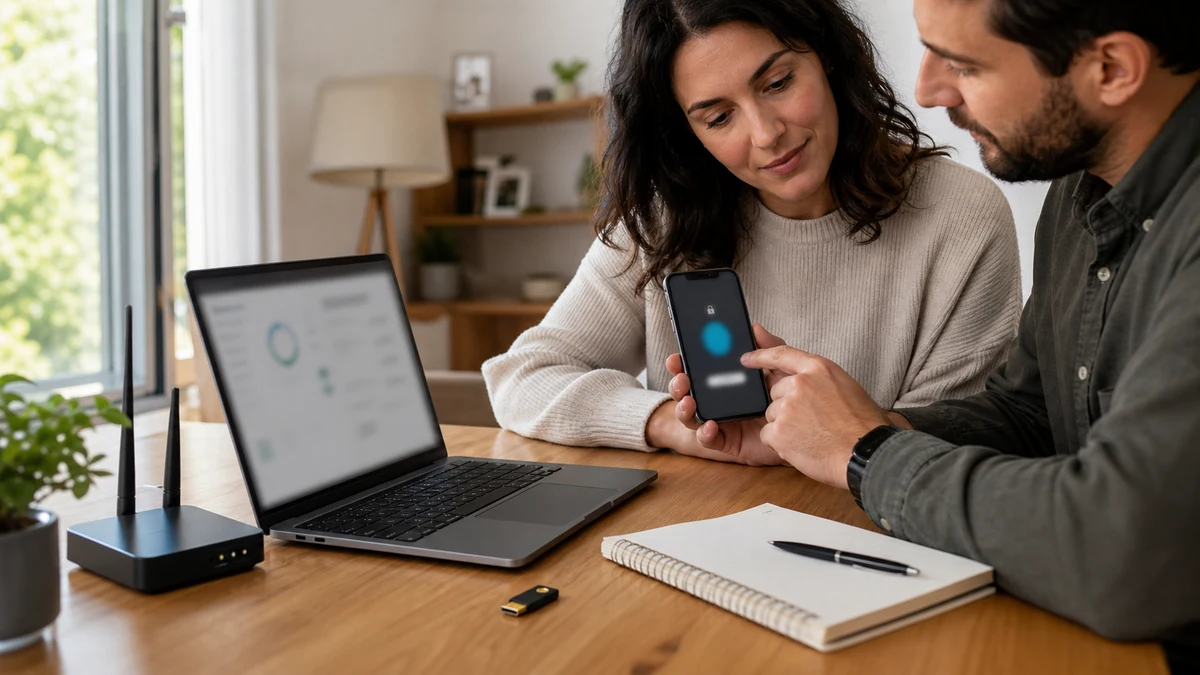
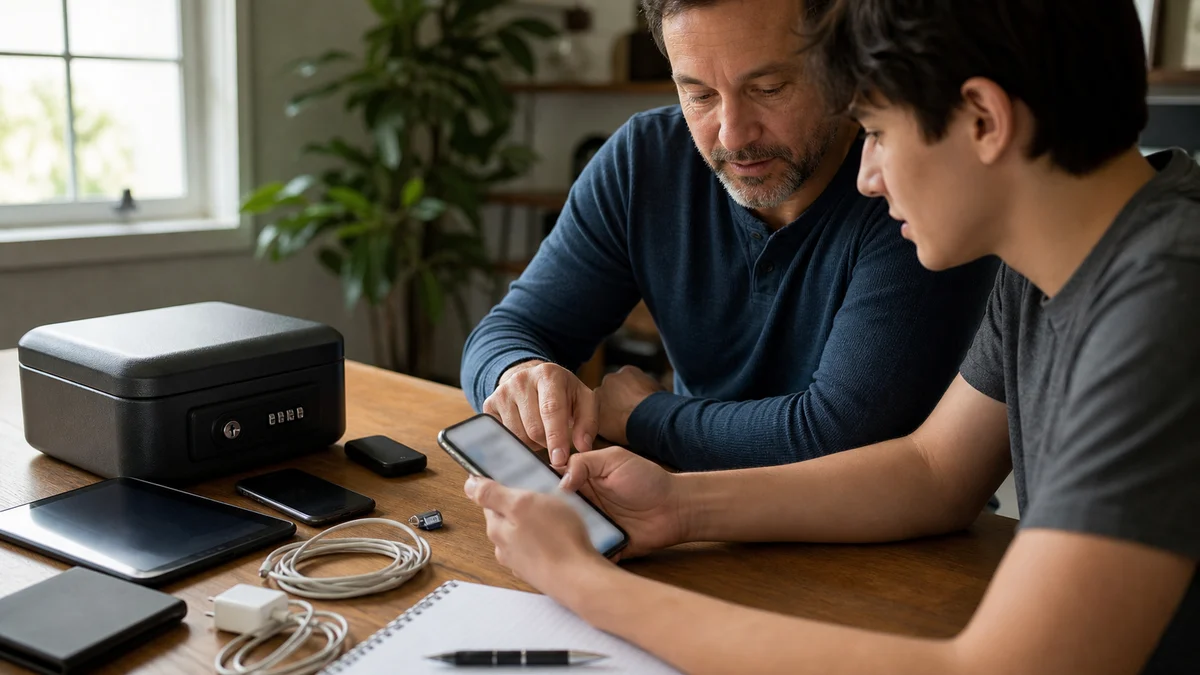
A recovery plan can be simple. Keep another trusted device, update recovery email and phone numbers, print recovery codes when a service allows it and tell a trusted relative where secure documents are kept. Passwords or codes should not sit in an open notebook, but families need a safe way to find help.
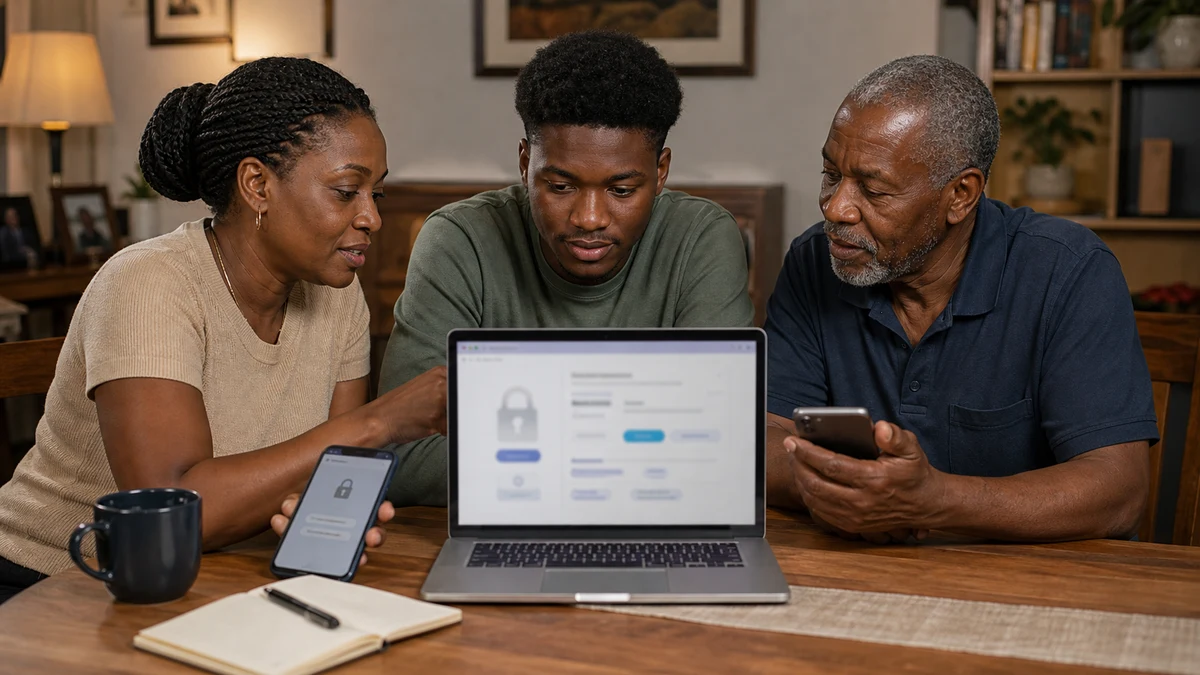
Passkeys also need user education. Some people may think their fingerprint is sent to a website, or that the device holds a secret anyone can copy. Clear explanation builds trust: the device helps prove identity, and a fake site cannot easily receive the same login. Understanding makes adoption smoother.
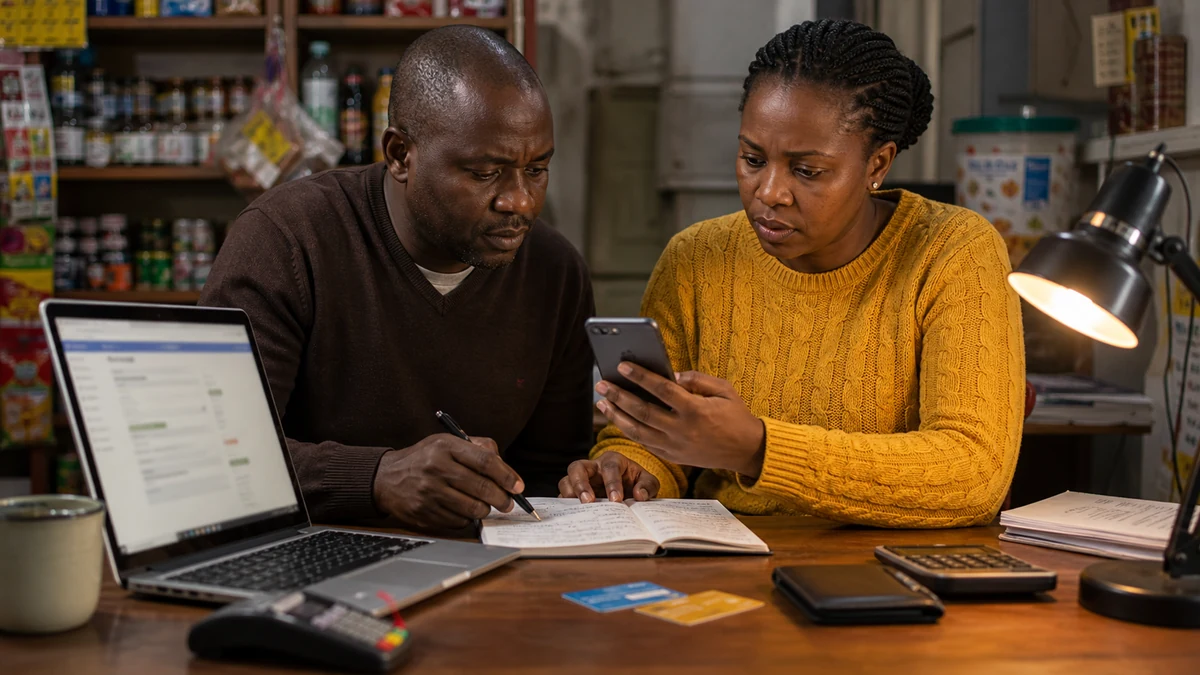
Small businesses need policy too. An owner, accountant and social media manager may all use important accounts. If an employee leaves or a phone is lost, the business needs an admin recovery path. One-person access can become a risk just like a weak password.
The practical rule is that passkey setup does not end at the first login. The user should ask: what happens if my phone is lost, who can I call and is my recovery email still correct? When those answers are ready, stronger login helps without locking a family or business out.
Users also need device clean-up. Old phones in drawers, shared tablets and browser sessions can affect account security. If a device is no longer used, remove it from account settings before it becomes a problem.